
Farmington Maine 04938
Mantor Library is marker #9 on the campus Map.
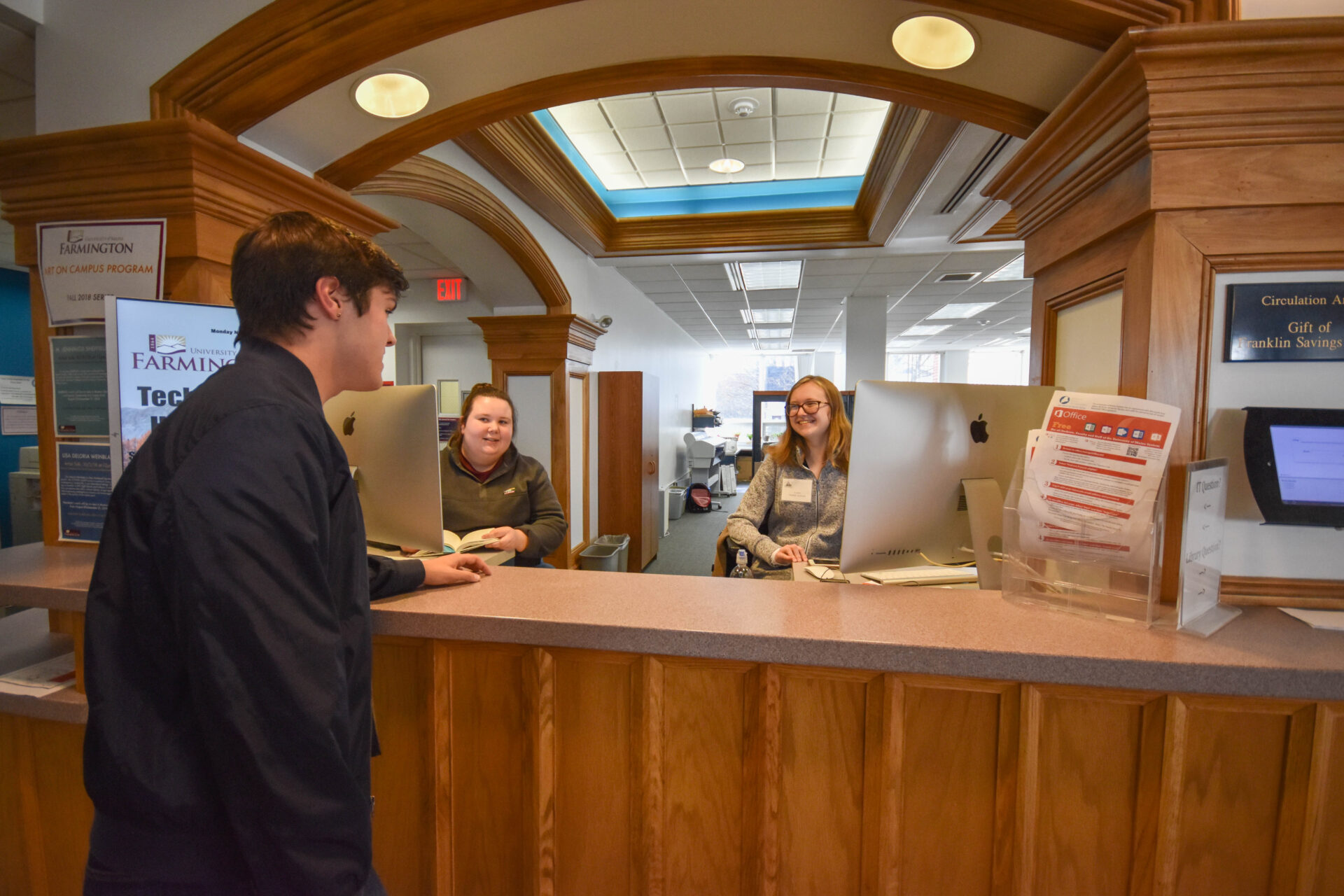
The Help Desk is located adjacent to the Library Services Desk.
Contact: (207) 778-7300
UMF IT Support Services is committed to assisting students, faculty, and staff through Help Desk, Desktop Services, and Media Services. They work in coordination with University of Maine System IT (UMS:IT), which supports all seven campuses with a wide range of services—from classroom technologies and cybersecurity to accessibility and enterprise systems. With staff located across the state, UMS:IT aims to deliver reliable, innovative solutions that help the university community succeed. Their vision is to be a trusted partner in empowering education through technology.

As a student, faculty, or staff member, in the University of Maine System, you have access to super-fast wireless, in most areas of campus. For your laptops, tablets and smartphones, the University of Maine System provides access through eduroam. Once your device is set up, you have access to thousands of participating hotspots within the research and education community world-wide. For more information about eduroam, tempest and our guest wifi including how to on-board all of your devices, visit wifi.maine.edu
At UMF, students have convenient access to computing and printing services across campus. The Mantor Library and the 24-hour Fusion Center lab provide both Macs and PCs, equipped with all the software needed for coursework. Printing is easy and affordable, with black-and-white pages costing just 5¢ and color pages 15¢. Students can print from library computers or their own devices and add funds to their printing accounts using cash at the library or through the UMF Portal’s eAccounts system, ensuring seamless support for academic needs.
As part of an ongoing effort to offer consistent services to the University community, your ID card is a unified campus card, the UMS OneCard. This card strengthens campus services for all students, faculty, and staff cardholders by enhancing cross-campus ID card functionality.
Benefits of your UMS OneCard:
Find out more at umf.maine.edu/campus-life/onecard.
University of Maine System’s new learning management system, Brightspace, is a user-friendly, modern, and mobile adaptive Learning Management System. There are tutorials within students’ Brightspace accounts, but here is a Brightspace Quick Reference Guide for Students.
All students, faculty, and staff can install Microsoft Office on up to 5 of their own personal devices using their UMS email address and password. You can do this by logging in to the Portal at http://mycampus.umf.maine.edu/ and going to UMF Tools, Download Software or going to office.com/getOffice365. If you need assistance, ask us for help!
Go to http://mycampus.umf.maine.edu/ for single sign-on access to many of the resources and tools you need including BrightSpace, Zoom, MaineStreet, and Gmail. There are direct links into MaineStreet features you need so you won’t have to learn to navigate it. There are UMF Quick links and all sorts of helpful information in the portal. But if you do need assistance, you know how to find us!
All University of Maine System students, faculty, and staff have access to a full professional Zoom license, allowing them to host unlimited meetings with advanced features like breakout rooms, screen sharing, whiteboards, and MP4 recording. Zoom is accessible via maine.zoom.us or the UMF myCampus Portal and works on all major devices, including iOS and Android. A student guide and UMS Zoom support resources are also available.
Important text and/or email messages regarding closings and emergencies are posted as necessary. You were automatically opted in to receive these alerts. In the Portal (mycampus.umf.maine.edu), clicking on the icon on the launchpad will take you to a registration page.
Edit your contact information and then click on subscriptions. Click on Manage subscriptions and sign up for what you want to receive.